
Migrating to the new Timecards app
Switching to a new system takes a moment of adjustment, even when the underlying concepts are familiar. The resources below are selected to help you bridge the gap between what you already know and how the new app is organized.
What stays the same
- Your timestamps, workplace configurations, and certification settings have been migrated.
- The core operations — clocking in, clocking out, scanning QR codes — work the same way.
- Connections to Timesheets and Workforce continue to function as before.
What is different
- The interface has been redesigned for clarity and faster navigation.
- A new mobile layout makes clocking in and out from your smartphone easier and more intuitive.
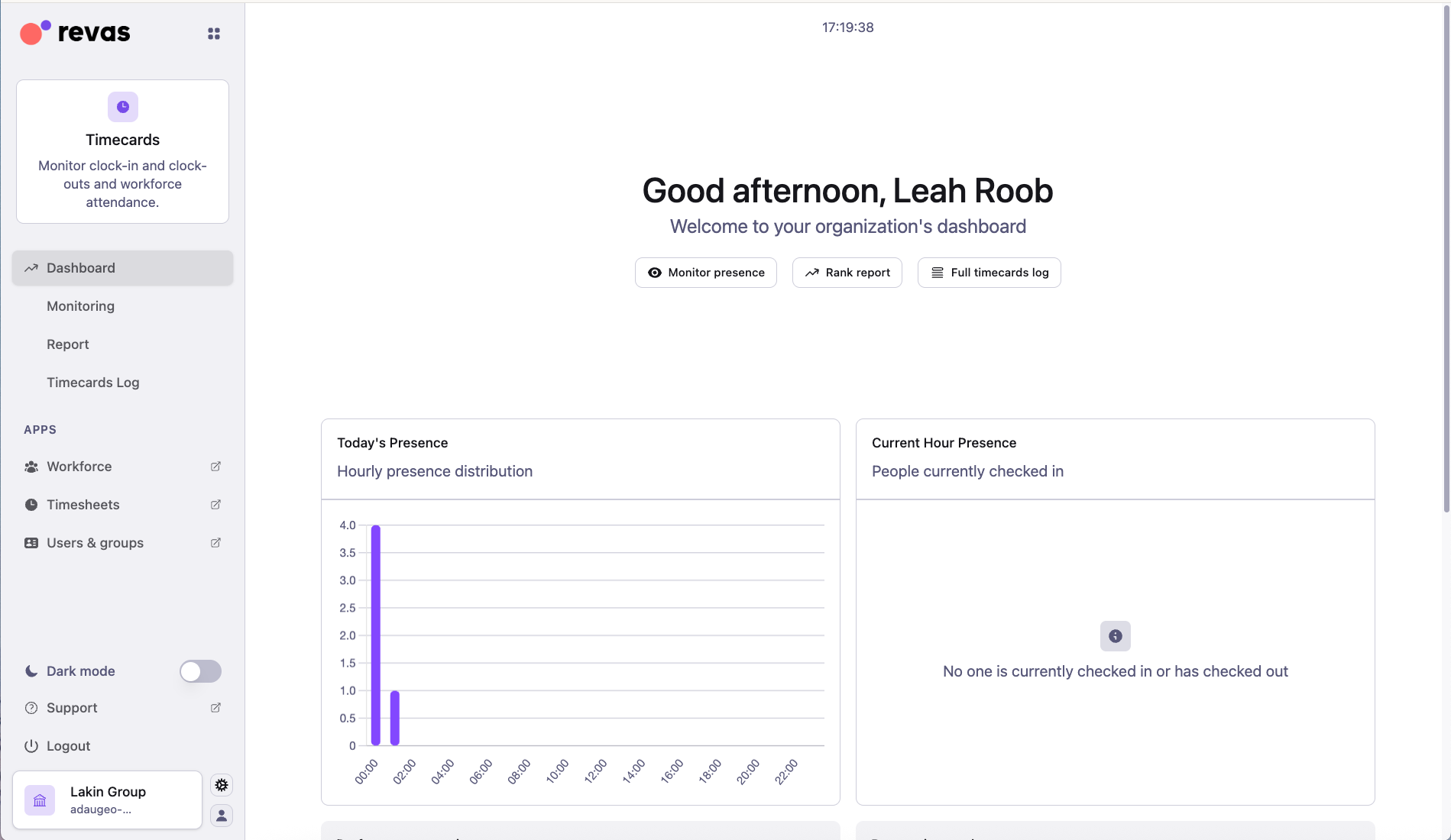
- Administrators now have access to performance metrics, logs, and timecards data — giving better visibility into attendance patterns across the organization.
- Some menu items and settings may have moved to new locations — refer to the guides below to find them.
Introduction to Timecards
Get an overview of the app: what it does, how attendance tracking works, and how it connects to other modules.
Read introductionPopularClock in and out
The core daily flow for recording attendance — from desktop and mobile, step by step.
Open quick startClock in without login
Set up quick clocking via QR code or direct link — no credentials required.
Open quick startWorkplaces
Understand how workplaces are configured and linked to timestamps.
Open conceptCertified timestamps
Learn about QR codes, NFC, GPS and Bluetooth certification methods.
Open conceptUse the mobile app
Install and use Timecards from your smartphone — now with a redesigned mobile layout.
Open guideConfigure collaborators
Set up timestamping rules for each collaborator or group in your organization.
Open guideActivate certification services
Enable GPS, Bluetooth, or NFC certification for your organization's timestamps.
Open guideRoles and permissions
Check which roles exist and what each one can see and do in Timecards.
Open rolesAdminAdmin setup
Review what administrators can configure: rounding, automatic attendance, and more.
Open admin setupNeed help?
If you have questions or run into anything unexpected during the transition, our support team is here to help.