
Migrating to the new Timesheets app
Switching to a new system takes a moment of adjustment, even when the underlying concepts are familiar. The resources below are selected to help you bridge the gap between what you already know and how the new app is organized.
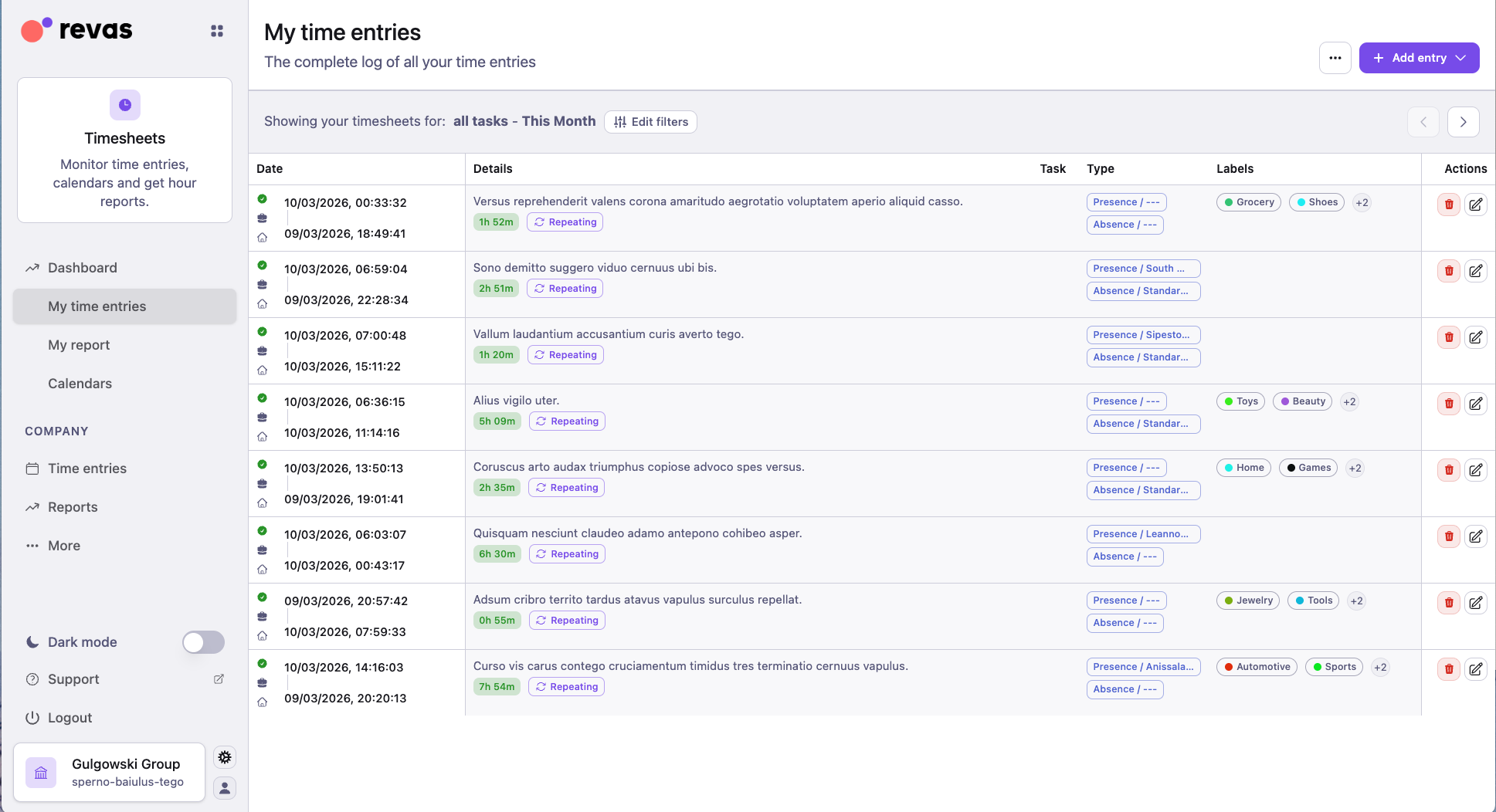
What stays the same
- Your time entries, presences, absences, and historical data have been migrated.
- The core operations — logging hours, recording attendance, managing leave — work the same way.
- Reports, balances, and task reporting continue to function as before.
- Connections to Workforce, Timecards, and Projects are preserved.
What is different
- The interface has been redesigned for clarity and faster navigation.
- Some menu items and settings may have moved to new locations — refer to the guides above to find them.
- New features and configuration options are available. Explore the admin setup checklist if you want a complete overview.
Introduction to Timesheets
Get an overview of the new app: how it is organized, what each area does, and how time is represented.
Read introductionPopularNavigating the interface
Understand every desktop view and where each action lives in the new layout.
Open guideTime entries, presences and absences
Understand the differences between work entries, attendance, and leave records.
Open conceptHours balance and contract hours
See how key hour metrics are calculated and interpreted in reports.
Open conceptCreate time entries
The core daily flow for adding and managing your time entries — step by step.
Open quick startCreate many entries at once
Speed up repetitive work by creating recurring entries in one batch.
Open quick startVisualize monthly report
Review hours worked, absences, and balances for a selected period.
Open quick startExploring the mobile app
Explore the full mobile experience from home status to reports.
Open guideReporting and advanced reporting
Discover the two reporting levels and when to use each one.
Open conceptRoles and permissions
Check which roles exist and what each one can see and do in Timesheets.
Open rolesAdminAdmin setup checklist
Full step-by-step setup guide — from adding collaborators to configuring settings.
Open admin setupFrequently asked questions
Quick answers to the most common questions about how Timesheets works.
Open FAQsNeed help?
If you have questions or run into anything unexpected during the transition, our support team is here to help.